


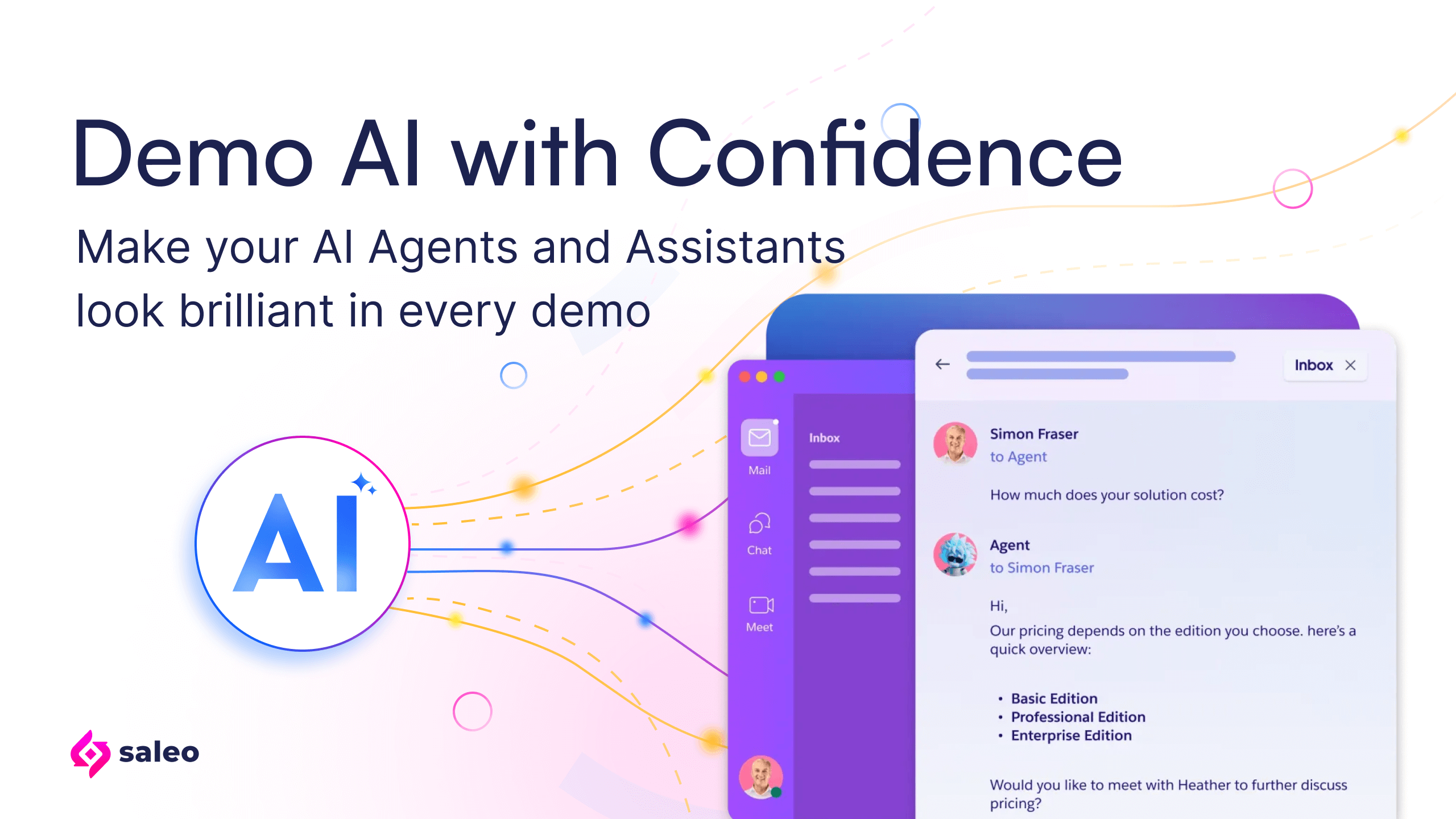
Demoing AI can be unpredictable. Not only are Agent responses inconstant, but they also require immense setup and preparation to ensure a great sales demonstration. Saleo helps you take back control so your AI agents and assistants look as brilliant in a demo as they do in your real product.
Why are AI demos harder than traditional software demos?
Traditional software is predictable: the same input always produces the same output.
AI isn’t. Powered by large language models (LLMs), AI agents change behavior based on prompts, data, or even time of day. The back-end database and the LLM need the right data and context to provide the correct output for the scenario being demonstrated.
That variability can destroy a demo. One hallucination or confusing output can instantly derail buyer trust, and leave the sales team scrambling for explanations. Presales teams often face a painful choice: run a risky live AI demo or show static mockups that fall flat.
Saleo removes that tradeoff. It gives you complete control over how your AI behaves inside your real product, so your demos stay authentic, consistent, and impressive every time.
|
Type of AI Agent
|
Description
|
Example
|
Demo Challenge
|
How Saleo Helps
|
|---|---|---|---|---|
|
Conversational
|
Copilots, Assistants, and Chatbots
|
CRM copilot suggesting next steps
|
Inconsistent replies or hallucinations can derail a demo and make AI appear unreliable.
|
Saleo intercepts and controls API responses ensuring deterministic, on-script conversations that feel live but stay predictable.
|
|
Analytical
|
Predictive analytics and forecasting tools
|
BI dashboard forecasting revenue
|
Model drift or reliance on outdated data can make insights inaccurate.
|
Saleo injects your customized demo data directly into your native dashboards, eliminating dependence on static data and ongoing maintenance.
|
|
Generative
|
Tools that create text, images, or code
|
Marketing AI writing ad copy
|
Random or irrelevant output can undermine confidence in your AI’s creativity.
|
Saleo can pre-seed prompts and responses so generative AI produces consistent, high-quality results that still appear dynamic and authentic.
|
|
Decisioning
|
Routing, prioritization, and recommendation engines
|
Workflow AI assigning tickets
|
Lack of explainability makes decision logic hard to follow in a demo.
|
Saleo models your native product’s data relationships so injected demo data behaves just like production data. This structured understanding allows Saleo to control how your AI agents reason and decide, giving you precision and control exactly when and where you need it.
|
Saleo adapts to each use case, giving you the right mix of simulation and real-time control for any AI that writes, talks, predicts, or recommends.
How does Saleo make demos of AI agents reliable and repeatable?
Saleo’s AI modeling engine works in tandem with your native production environment (or live demo environment). Because Saleo operates at the API and Websocket layer, the layer where AI agents and assistants operate, it gives you command over both sides of the AI equation, so you can control what your AI receives (inputs) and what it says (outputs).
Inputs are what your AI receives: the prompts, queries, or data you feed into it.
Outputs are what your AI produces: the responses, predictions, or recommendations it generates in return.
With Saleo, you can control both the data your AI relies on and the results it delivers, ensuring every demo is consistent, reliable, and perfectly on message. This approach gives your buyers the most authentic demo experience possible that mirrors how your software works “in the real world” while still giving you control over the demo.
What are Saleo’s three AI modes?
You can decide whether your AI runs fully live, partially simulated, or pre-seeded for total control, all within your actual product interface.
Simulated AI (Controlled Mode)
Pre-seed your AI’s outputs for complete predictability.
Saleo allows you to pre-seed AI responses, ensuring controlled and repeatable behavior during demos.
This mode reduces costs from live AI queries and eliminates performance risks by using pre-scripted responses, perfect when live AI is unreliable or too expensive to run in real time.
Authentic AI (Live Mode)
Run your native AI inside your demo
In this mode, Saleo runs your AI exactly as it operates in your native product. It’s ideal for advanced demos where your AI performs reliably and you want to showcase true, real-time adaptability — just as it would in production.
Assisted AI (Hybrid Mode)
Blend simulated and live AI behavior in one seamless experience
This hybrid approach gives you the best of both worlds: stable AI features run live while keeping more volatile ones simulated. It’s perfect for demos that need to balance authenticity with control, creating a smooth, professional experience every time.
What’s next for AI demos and how is Saleo leading the way?
The future of AI demos isn’t just about showing intelligence, it’s about controlling and explaining it.
Saleo is building the foundation for that future. As the leading AI demo platform for enterprise software, Saleo gives teams full command over data, prompts, and responses to create predictable, production-grade AI experiences. From chatbot simulations to autonomous reasoning demos, Saleo makes complex AI easy to showcase — safely, consistently, and at scale.
Ready to see an AI demo in action?
Book a demo and discover how Saleo creates consistent, reliable demos across chatbots, copilots, analytics, and more.


